
How We Added AI Lead Enrichment to Pipedrive Using Make.com (and What It Got Wrong)
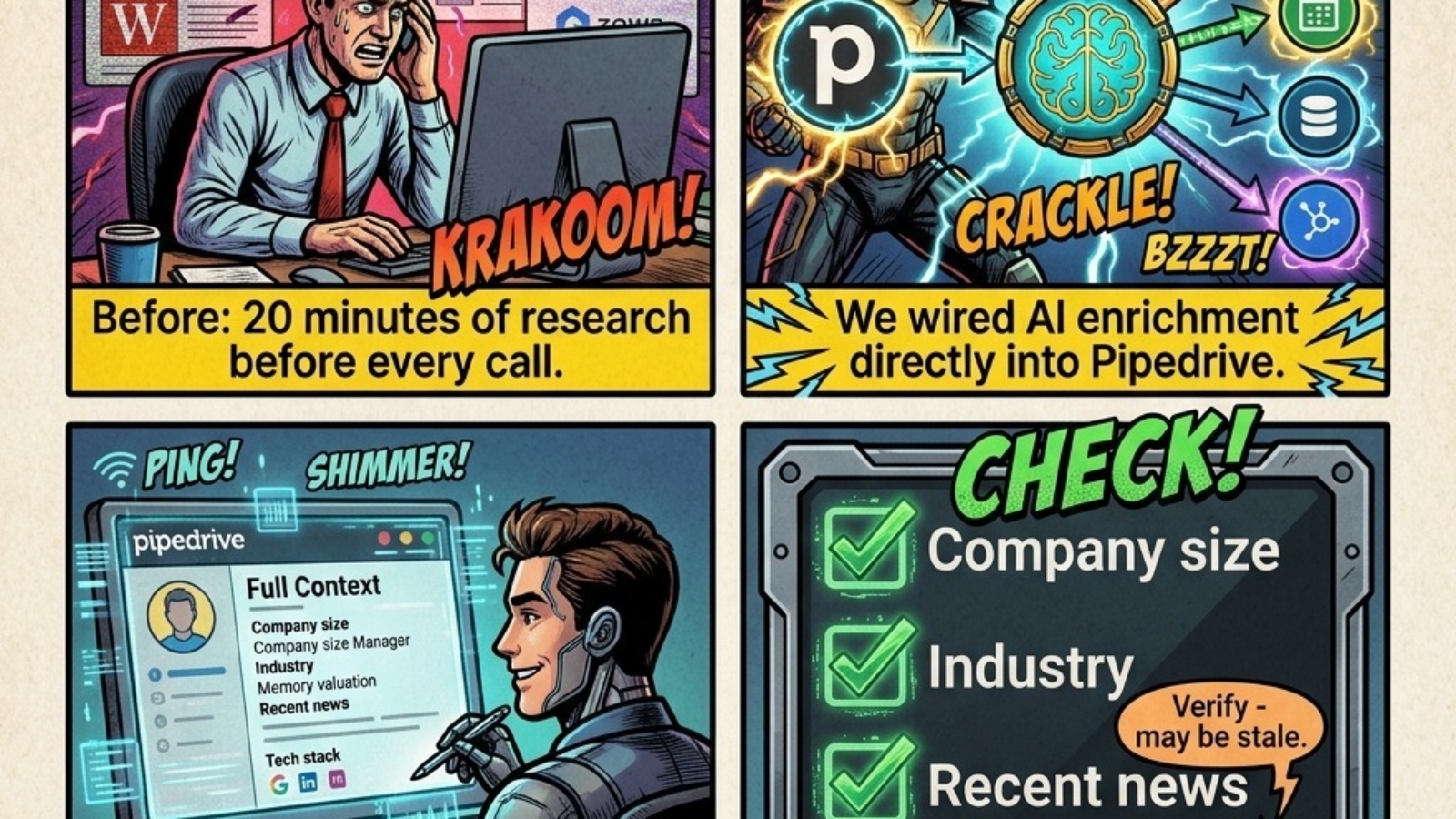
In January, we built an AI lead enrichment workflow for a client running a 12-person B2B sales team. The system runs inside Pipedrive and Make.com, fires automatically when a new contact is created, and writes enriched context back to the CRM record within 90 seconds - before the rep ever opens it.
By March, their reps had stopped manually researching companies before calls entirely. Call prep dropped from 20 minutes per prospect to under 2 minutes. That is the result worth sharing. But so is what the AI got wrong in month one - because that part determines whether a build like this actually holds up.
Does Pipedrive Have Native Enrichment?
Yes - Pipedrive does have a native contact enrichment feature built into the platform. The practical limitations are what drove us to build the Make.com solution instead. Native Pipedrive enrichment runs on demand: a rep manually triggers it on each contact record rather than it firing automatically. It also consumes credits, which are limited on most Pipedrive plans, and the full enrichment feature is only available on the Premium and Ultimate tiers.
For a team making 30-50 outbound contacts a day and needing enrichment to be ready before anyone opens the record, on-demand and credit-limited does not work at scale. The Make.com build was designed to solve exactly that - automatic enrichment on every new contact, no manual trigger, no credit ceiling.
Why Pipedrive + Make.com Is the Right Stack for Automatic Enrichment
Pipedrive's API is clean and well-documented, which makes it straightforward to build enrichment automation on top of. Custom fields are easy to create and update programmatically. Webhooks trigger reliably. And Pipedrive's contact and deal structure maps naturally to the kind of enrichment data you want to inject - company size, industry, recent activity, tech stack.
Make.com is the automation layer that connects Pipedrive to external data sources and AI models. Unlike Zapier, Make.com supports complex branching logic, error handling, and multi-step data transformation inside a single scenario. For enrichment workflows where you are pulling from multiple sources and synthesizing the output, Make.com is the right tool.
The combination gives you fully automatic enrichment: every contact created in Pipedrive is enriched within 90 seconds, no rep action required, no credit consumption, and the logic lives entirely in Make.com where it can be updated without touching Pipedrive.
The Problem the Build Was Solving
Every time a new lead landed in Pipedrive, a rep had to research the company before reaching out. Company size, industry, recent news, leadership context, tech stack - the kind of context that makes an opening conversation relevant rather than generic.
For a team making 30-50 outbound touches per day, this was costing roughly 20 minutes per prospect on average. Across 12 reps, that was 4-8 hours of research capacity per day - time that wasn't going to selling.
How the Make.com Pipedrive Automation Works
The workflow runs entirely inside Make.com, triggered by a webhook that fires every time a new contact is created in Pipedrive. Here is the scenario structure step by step:
- Trigger: New contact created in Pipedrive via webhook.
- Domain extraction: The contact's email domain is parsed to identify the company.
- Business data API call: A request goes to a business intelligence provider returning company size, headcount, industry, geography, and founding year.
- News aggregator call: A second request pulls the 3 most recent news headlines for the company domain from the past 30 days.
- AI synthesis: The raw data from both calls is passed to an AI model that returns a 3-sentence context summary formatted for a sales rep reading it before a call.
- Confidence scoring: A router module checks the age of the business data. Records older than 90 days get flagged as low confidence.
- Pipedrive update: All outputs write back to custom fields on the contact record - context summary, enrichment date, and confidence flag.
Total scenario runtime: under 90 seconds from contact creation to enriched record.
"The goal was not to replace the rep's judgment - it was to give them a first draft of context instead of a blank page."
What the AI Got Right vs Where It Failed
Worked consistently
- Company size and headcount range
- Industry classification
- Recent news (within 30 days)
- Geographic market and HQ
- Technology stack indicators
Failed or degraded
- Funding stage (stale within 60 days)
- Job titles (shift constantly)
- Subsidiary vs parent company
- Non-English company names
- AI summaries on core business type
In month one, approximately 15% of AI summaries contained a factual error significant enough to cause a problem on a call. The confidence layer we added in week 3 brought that down to under 3% by month three.
How We Fixed the Error Rate with a Confidence Layer
We added an Enrichment Confidence custom field to the Pipedrive contact record, populated automatically based on data source recency. Fresh data showed green. Data older than 90 days flagged red with a note: "Verify before calling - data may be outdated."
We also added a rule in the Make.com scenario: any AI summary containing the word "recently" was automatically routed to a low-confidence flag before writing to Pipedrive. In AI-generated text, "recently" almost always means "at some point in the training data" - not the last 30 days.
By month three, reps had learned to trust green-flagged records and spend 90 seconds spot-checking red ones. The Pipedrive automation had become a genuine part of their pre-call workflow.
AI enrichment inside Pipedrive is not a replacement for knowing your prospect. It is a first draft. Build it with clear confidence signals and a team that understands what the automation does and does not know.
Frequently Asked Questions About Pipedrive Automation and AI Enrichment
Does Pipedrive have native contact enrichment?
Yes. Pipedrive has a native enrichment feature built into the platform. The limitations are that it runs on demand rather than automatically - a rep must manually trigger it per record - it consumes credits that are limited on most plans, and it requires the Premium or Ultimate tier. For teams needing enrichment to fire automatically on every new contact without manual action or credit constraints, the Make.com approach is the practical alternative.
What is the best way to integrate Make.com with Pipedrive?
The most reliable Make.com Pipedrive integration uses webhooks for triggers (new contact, new deal, stage change) and the Pipedrive API module for updates. This gives you real-time triggering without polling delays and precise control over which fields get written. For enrichment scenarios specifically, the webhook trigger on new contact creation is the correct starting point.
How do I automate lead research in Pipedrive?
Set a Make.com webhook to trigger when a new contact is created in Pipedrive, pull enrichment data from a business intelligence API (Apollo, Clearbit, or similar), pass the raw data to an AI model for synthesis, then write the output back to custom fields on the Pipedrive contact record. Add a confidence flag based on data recency so reps know when to verify before calling.
Is Pipedrive good for B2B sales automation?
Pipedrive is one of the strongest CRMs for B2B sales automation because its API, custom fields, and webhook system are built for integration. It does not try to do everything natively - instead it exposes clean data structures that automation tools like Make.com can act on reliably. For B2B teams with defined sales processes and multiple outreach tools, Pipedrive is consistently our first recommendation.
What is the difference between Zapier and Make.com for Pipedrive automation?
Zapier is better for simple, linear automations where one trigger causes one action. Make.com is better for complex Pipedrive automation scenarios that involve multiple steps, conditional logic, data transformation, or error handling. For AI enrichment - which requires pulling from multiple APIs, synthesizing output, and routing based on confidence - Make.com is the right choice.
Tal Shapiro - CRM Solution Experts
COO background. Builds B2B automation systems - CRMs, ERPs, e-commerce, and calling tools connected into one working whole. Pipedrive Gold Partner. Helping companies worldwide stop losing deals to broken processes.
Want to Add Automation or AI to Your Pipedrive?
We map the workflow before building anything. Book a free discovery call and we'll tell you what's worth automating and what isn't.
Book a Free Discovery Call